



STAY HOME
STAY CONNECTED
Free Online Resources
Sign up for our eNewsletter and program updates!
Newsletter Sign Up
"*" indicates required fields
Adults SECTION Menu
3D Printing
Belleville Public Library & John M. Parrott Art Gallery has an Elegoo Centauri Carbon 3D Printer.
The type of filament our printer uses is polylactic acid (PLA). PLA is a commonly used biodegradable thermoplastic material, usually made from cornstarch and other plant-based materials.
The PLA we have is white. It can be lightly sanded and painted with acrylic paints.
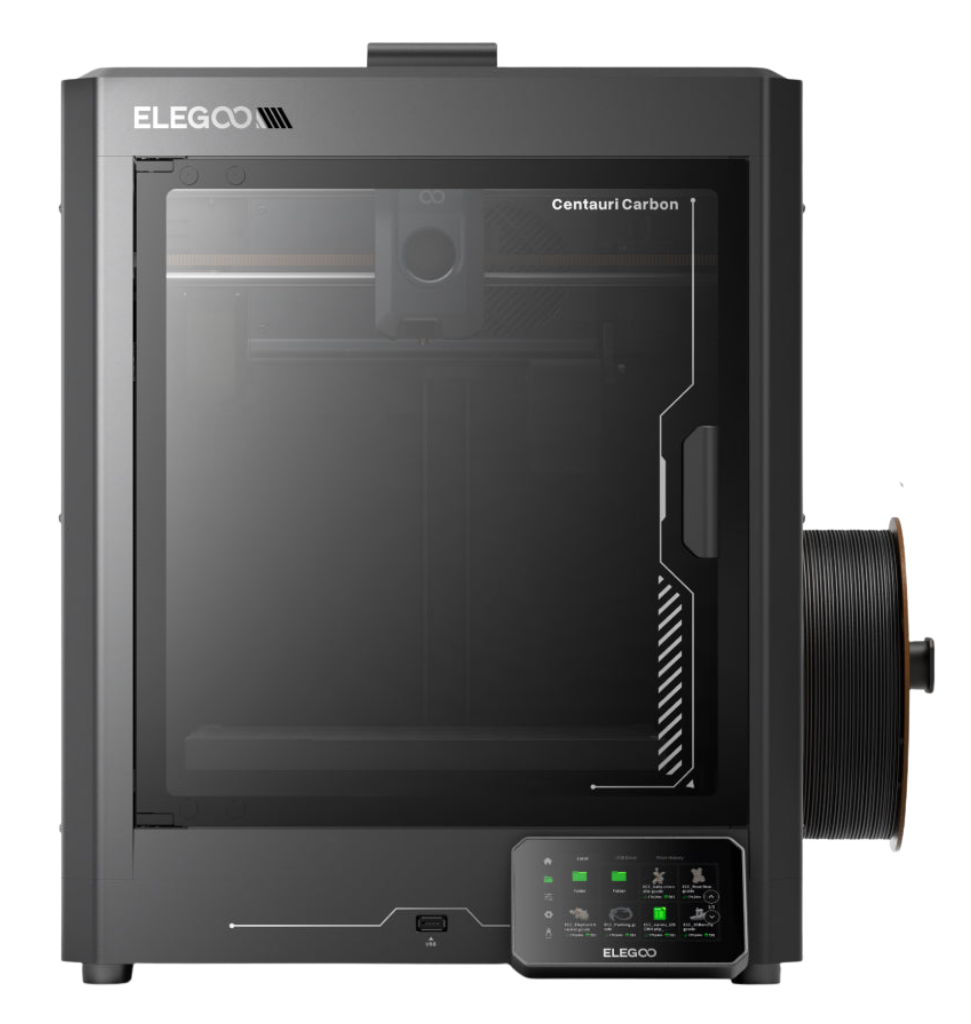
Printing Process
- Design or download a 3D model.
- Use slicing software to prepare your file for our printer.
- Complete the form below and upload your G-code file.
- Library staff will print your object and contact you when it’s ready for pickup.
Design or Download a 3D Model
Not sure what to print? Try searching the thousands of object files – everything from custom cookie cutters to smart phone stands to replacement parts – on websites like Thingiverse and Printables. If you’d like to design your own original object, we recommend trying the free Computer-Aided Design (CAD) software like Tinkercad or Blender.
Slicing Software
You will need to prepare your file using slicing software before submitting to the library for printing. Files submitted for printing must be in the G-code format. You can prepare your file using any of the following slicing software:
Here are the instructions for the ElegooSlicer.
- The cost to print is $0.10 per gram of PLA filament + HST. Your slicing software should provide an estimate of filament and print time.
- Print projects must be no larger than 25.6 × 25.6 × 25.6 cm in size and a maximum print time of 4 hours. If you are printing a larger object, consider breaking the project into smaller components and print the project over multiple sessions.
- Library staff will print your object and contact you to arrange payment and pick up. Most jobs will be ready within 1 week. You will need a valid library card from either Belleville Public Library or Quinte West Public Library.
- If you have any questions about 3D Printing at the library, please email infoserv@bellevillelibrary.ca.
- Limit of two 3D print jobs at one time per customer.
Submit your File
3D Printing
"*" indicates required fields